
AI · digital tools · technology
Technology without the noise
We examine new tools, verify claims against primary sources, and explain what is genuinely useful.
Latest news


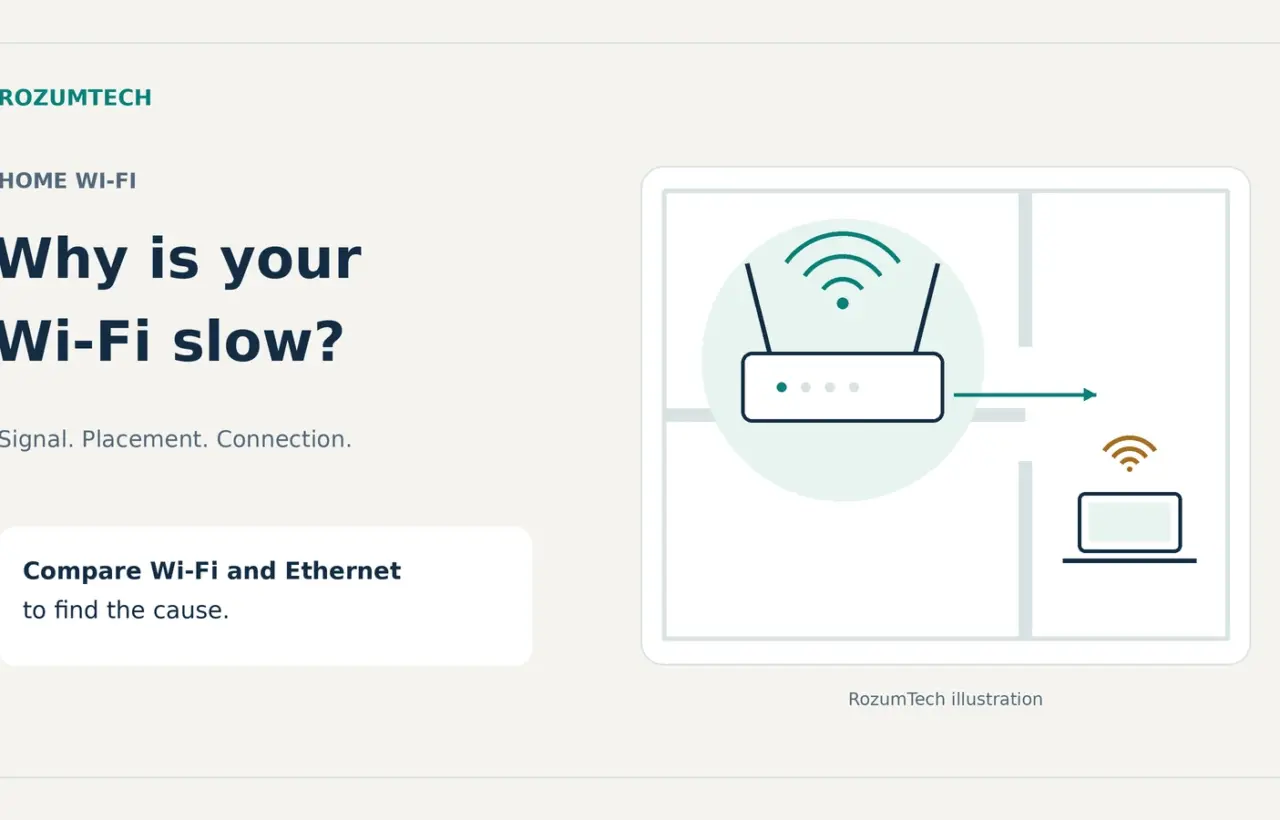
Slow Wi-Fi at home: how to find the cause and improve your connection
Find out whether weak Wi-Fi or the provider is slowing you down, where to put your router, and when another band, mesh, or Ethernet will help.
Latest articles

Gemini glasses: prices, phone compatibility and camera privacy
Intelligent Eyewear preorders: supported Google-account regions, phone requirements, prescription prices and camera indicators. Check the details before ordering.
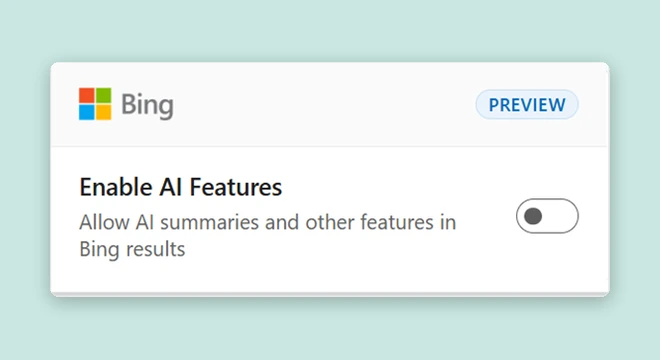
Turn off Bing AI answers: -ai, a Chrome shortcut and a browser toggle
Use -ai, create a Chrome site-search shortcut, or try Microsoft’s extension. Check default-search and new-tab changes and restore the settings you prefer.
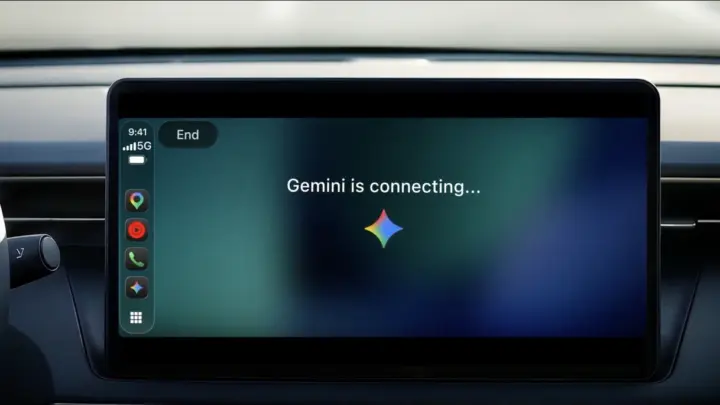
Gemini on CarPlay: setup, app access and a spoken rehearsal
Google is rolling out Gemini on CarPlay. Prepare your iPhone, check connected-app access, and try a short spoken rehearsal with clear limits.

Photoshop 28.0: Relight, shadow removal and checking edits
Use Relight, remove an object and its shadow, and check edits in Photoshop 28.0. A practical photo workflow with generative-credit requirements.

Gemini 4 Carbon reaches Ultra: where to try it and how to check its answers
Carbon expands beyond limited access. Check Gemini and API availability, select the model and try four notes with conclusions you can verify yourself.
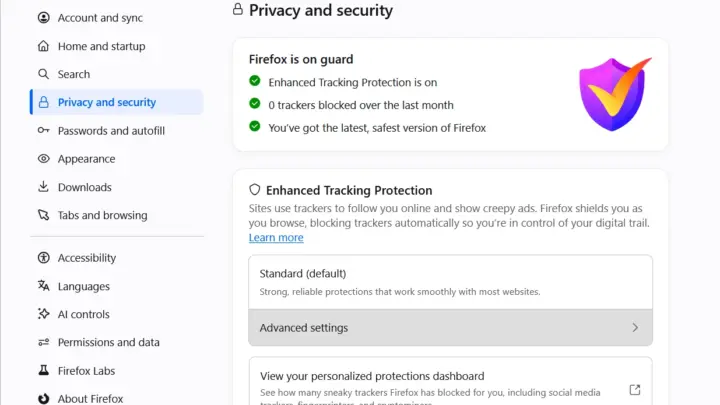
Firefox and browser fingerprints: check protection and keep sites working
Mozilla explains its fingerprinting research. Check protection modes and their scope, compare site behavior and understand what a browser test can tell you.
Google Maps in AI Studio: prompt a bookshop finder and check the result
A practice brief for a bookshop finder, four prototype checks and the limits of Maps Demo Key. Includes Google’s demonstration and an explanation of API calls.
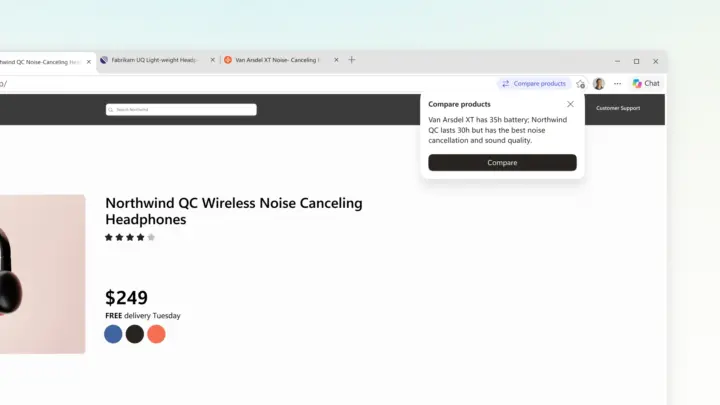
Edge compares products: check the price, coupon and cashback separately
Compare products across tabs, calculate what you pay now and keep expected cashback separate. Includes a worked example and access conditions.
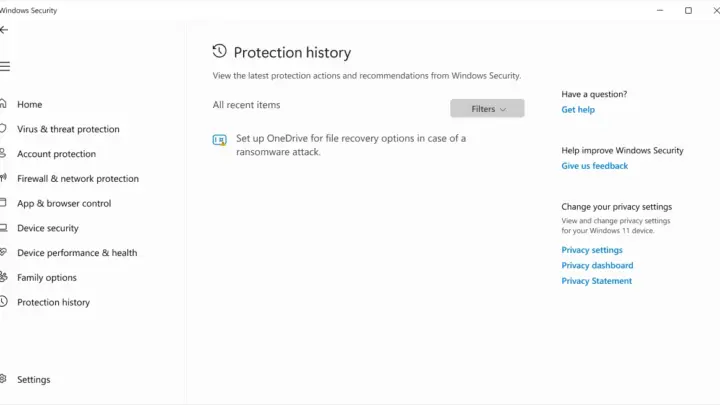
Fake Windows installers: what to check after a suspicious download
Microsoft reported a fake-installer campaign. Check whether you ran the file, read Protection history, scan and review unwanted-app blocking with genuine screenshots.
How our newsroom works
- We verify facts and link to primary sources.
- We clearly disclose when AI tools helped create an article.
- We update guides when tools and conditions change.