
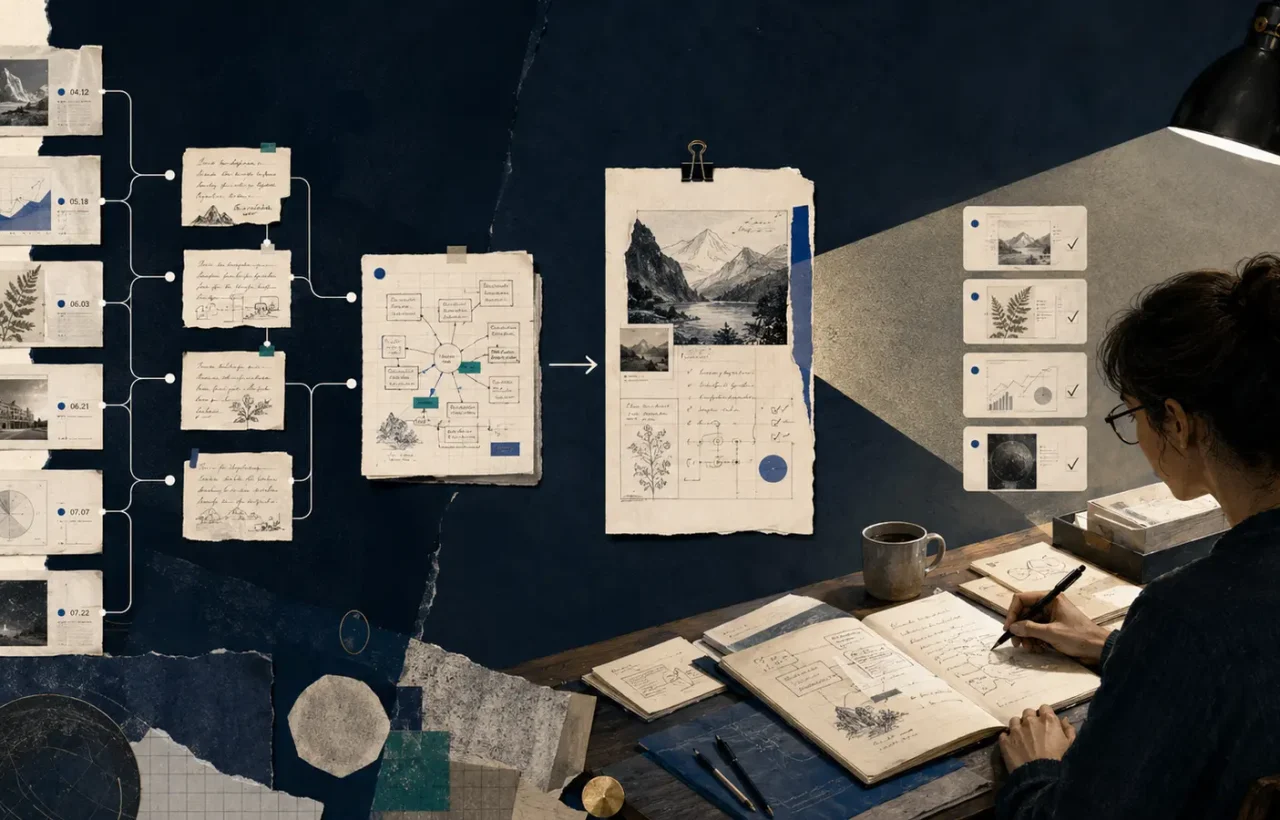
A personal knowledge base does not become useful because it contains many saved links. It becomes useful when it can recover a source, reconstruct your reasoning or support a next action within a minute. AI can accelerate retrieval and drafting, but it cannot rescue an archive in which facts, personal conclusions and obsolete material look identical.
Begin with one repeatable outcome rather than a search for the perfect “second brain.” You might be researching technical articles, learning from a course or keeping customer research. That purpose immediately clarifies what deserves to be captured and what should happen to it.
A minimal structure that survives fading enthusiasm
Four kinds of record are enough at first:
- Inbox items — links, PDFs, videos and quick notes not yet processed.
- Sources — a short account of what you read, with author, date, link and necessary quotations.
- Your notes — one idea or conclusion expressed in your own words.
- Projects — pages tied to a concrete outcome, next action and supporting sources.
A folder for every possible subject leads to constant classification debates. Does an article about agent security belong under AI, Security or Work? Links and a few consistent properties usually age better than a deep tree.
Keep metadata modest: captured date, type, processing status and original address. Add a last-checked date for information that changes quickly. Twenty speculative fields make capture slower and leave a collection of empty forms.
Capture material without building a digital landfill
The inbox should be quick but not bottomless. When saving a link, add one sentence explaining why it matters and what decision it might support. A headline alone often means very little a month later.
Process the inbox once or twice a week. Delete what no longer deserves attention. For a valuable source, note its main claim, evidence, limitations and your response. If it creates an action, move that action into a project or task system; a knowledge base should not disguise unfinished work.
Avoid copying entire third-party articles by default. Retain the address, your concise account and short quotations where accuracy requires them. This reduces noise and keeps authorship visible.
Where AI genuinely helps
A model can suggest keywords, reformat a draft, surface related notes or answer a question over a selected set of documents. It is most useful when each answer links to the passages used. A summary can then be checked instead of accepted because it sounds confident.
A productive instruction might be: “Using these five sources, create a table of claims, evidence, objections and dates. For every row, name the document and passage. Say explicitly when the collection does not contain an answer.” That is more dependable than asking for everything about a broad topic.
Do not let an assistant silently overwrite original notes. Put generated material in a separate draft with a date and source list. Your conclusions, direct quotations and machine summaries should remain visually distinguishable.
RAG without the magic language
When a product answers “from your documents,” it may use retrieval-augmented generation, or RAG. The system finds a small set of relevant passages and sends them to a model with the question. The mechanism is covered in more detail in What Is RAG?.
Quality depends on the files, chunking and retrieval. An image-only scan, duplicates and undated policies make poor foundations. Test ten real questions: does the correct source appear, can the system distinguish an old policy from its replacement, and will it admit that the archive lacks an answer?
Privacy and backups
Before uploading work documents, establish where they go, who can access them and whether they are used to train models. Do not combine public research, confidential client material and personal records in one workspace merely for convenient search.
Local software does not remove the need for backups. A cloud product does not guarantee that an accidentally damaged structure can be restored exactly as required. Export the archive regularly in a readable format and inspect several files from the copy. Give a local vault its own backup plan.
A 30-minute weekly routine
- clear or process inbox items;
- add sources and dates to valuable notes;
- merge obvious duplicates;
- mark obsolete material without erasing useful history;
- connect new conclusions to active projects;
- confirm that a backup is being created.
After a month, ask three questions: can I retrieve a source I know exists, can I tell where a claim came from, and does a note help me take the next step? If the answer is no, buying a more elaborate AI search layer is premature. Simplify the structure and improve source discipline first. A good knowledge base is not a warehouse for everything you encounter; it is a small, verifiable working memory.


Join the conversation
Stay on topic and respect other readers. Your first comment may appear after editorial review.