Guides
Windows 11 24H2 Home and Pro are out of support: prepare your upgrade
Check the version and edition, back up files, locate the BitLocker key and use Windows Update. Here is what to do if no new version is offered.
Topic archive
Step-by-step guidance for using AI and digital services, from the first prompt to a practical result that has been checked.
Check the version and edition, back up files, locate the BitLocker key and use Windows Update. Here is what to do if no new version is offered.
Prepare for an iPhone update or replacement: check your backup, keep the encryption password accessible and save important photos separately.
Move Google Authenticator and Microsoft Authenticator, check what will not restore automatically, and verify access before erasing the old phone.
Microsoft has documented a ClickFix campaign that shows Mac users a counterfeit download and tells them to run a Terminal command. Here is how macOS 26.4 responds and what to do after execution.
A step-by-step Windows guide to checking RAM and VRAM, choosing a local model, running it with LM Studio or Ollama, testing offline, and safely enabling a local API.
An automatic summary can mistake a suggestion for a decision. Set consent, ownership, a decision format, and a short human review immediately after the call.
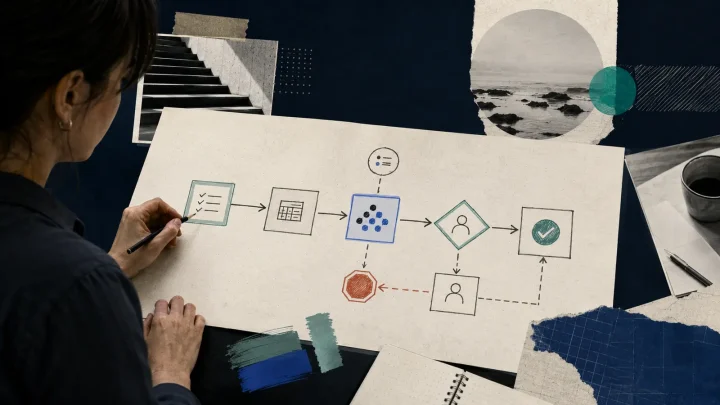
Start with one repeatable process, keep human approval before risky actions, and maintain an error log. Reliability matters more than an impressive demo.
A useful knowledge base begins with capture rules, clear titles, sources, and regular review—not with a chatbot. AI can help, but it cannot replace structure.
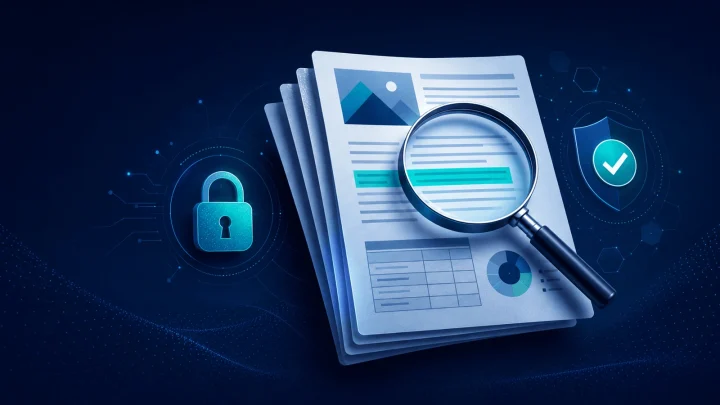
A safer workflow for contracts, reports, and manuals: prepare the file, ask precise questions, verify quotations, and protect confidential information.
An effective prompt is not a magic phrase. Learn to specify the goal, context, constraints, output format, and checks that make an answer useful.
A beginner’s path: choose a safe task, provide useful context, verify the result, and gradually turn one successful prompt into a repeatable workflow.