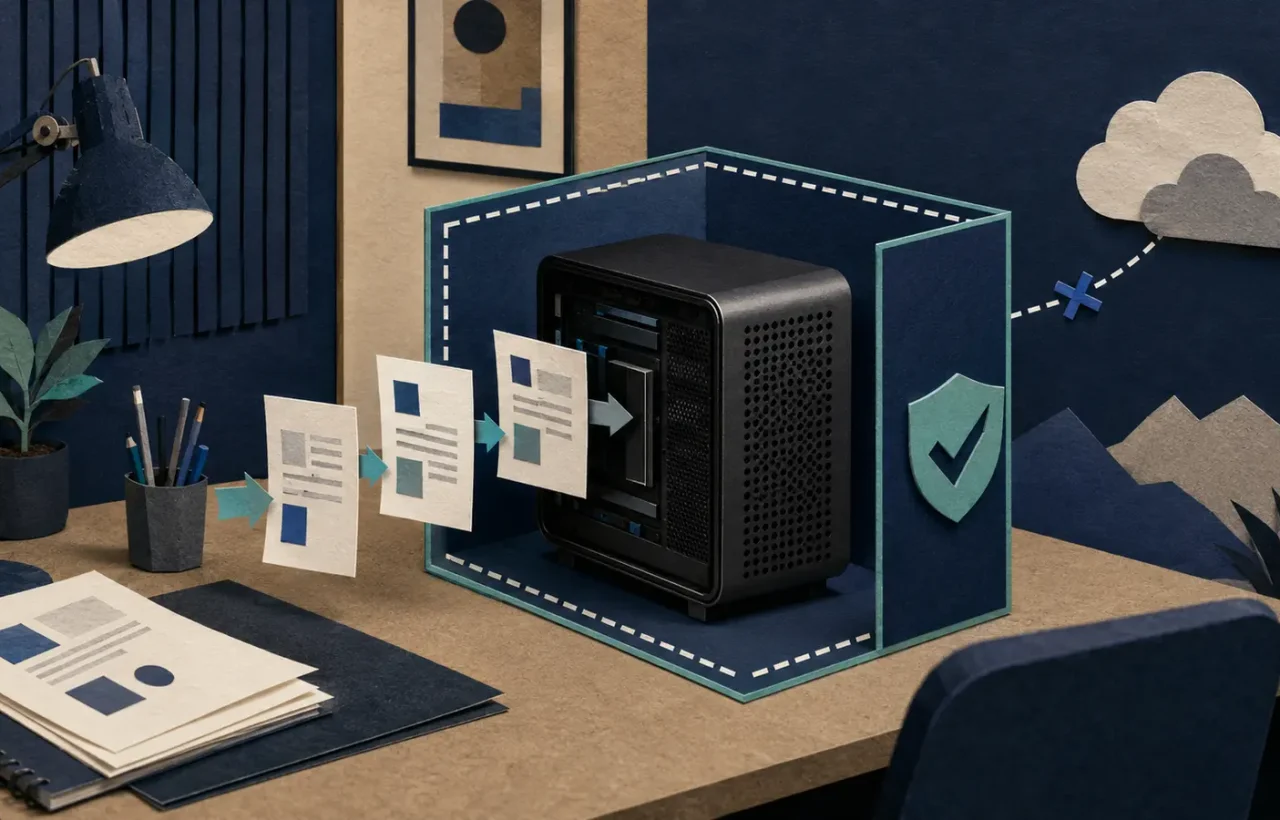
Running an AI model locally means the model performs inference on hardware you control instead of sending every prompt to a hosted model endpoint. Tools such as Ollama and LM Studio have made this accessible to people who do not want to assemble a machine-learning stack from scratch. The attraction is obvious: offline use, more control over data, and freedom to test open models.
The phrase “runs locally” can still hide important details. The application may download models, check for updates, fetch remote search results, or call a cloud API for some features. Other software on the computer can access files. A local model improves one part of the privacy picture; it does not make the entire device or workflow secure.
What actually stays on the device
In a fully local chat, the prompt, model weights, and generated output can remain on the machine. If you add a document search system, extracted text and embeddings may also be stored locally. This is useful for drafts, source code, notes, or archives that you are permitted to process but do not want to upload to a consumer cloud account.
Use the AI privacy checklist to decide whether a task belongs in the cloud, needs a sanitized copy, or should remain local.
Check network behavior rather than relying on a label. Review the application’s documentation, optional integrations, telemetry controls, update mechanism, and plug-ins. A local interface connected to a remote model is still a cloud workflow. A locally running model that performs web search necessarily sends a query somewhere.
Disk encryption, operating-system accounts, backups, and malware protection remain relevant. If the laptop is stolen while unlocked, local processing offers little protection. If the model’s conversation history is included in an unencrypted backup, data has left the original device even without a model provider.
Hardware determines the experience
Model files can range from a few gigabytes to far more than an ordinary laptop can comfortably hold in active memory. The decisive resource is usually available memory—system RAM, GPU memory, or unified memory—along with memory bandwidth. Quantized models use fewer bits per parameter and therefore need less storage and memory, but may lose some quality.
A model that fits is not necessarily pleasant to use. Context length, document size, concurrent users, and output speed add demand. Loading a model can leave too little memory for the browser and work applications. Long prompts may slow generation sharply.
Do not buy hardware from a single “minimum requirements” table. Decide which model size and workload matter, then test on your current computer if possible. Measure time to first token, generation speed, memory use, power, and whether the output is good enough for the task.
Quality is task-specific
Smaller local models can be excellent for rewriting, classification, extracting fields, summarizing a known document, and generating code in familiar languages. They may be less reliable on difficult reasoning, rare languages, long contexts, or current facts. A larger cloud model can be cheaper than buying hardware if use is occasional.
Build a small evaluation set from your real work. Include Ukrainian and English examples if you need both. Keep expected outputs or scoring rules. Compare local and hosted options on accuracy, review time, latency, and total cost—not on a few entertaining prompts.
For factual work, local does not mean current. A model’s weights reflect a training cutoff and do not automatically update when the world changes. Add approved sources through a retrieval layer or verify claims manually. Our RAG explainer covers the difference between model knowledge and retrieved evidence.
The hidden operational work
Cloud services manage model deployment, patches, capacity, and much of the interface. A local setup makes you responsible for at least part of that work:
- downloading model files from a trustworthy source;
- checking model licenses and permitted commercial use;
- updating the runtime without breaking workflows;
- controlling who can reach a local API;
- backing up prompts or indexes when needed;
- removing outdated or vulnerable plug-ins;
- monitoring disk space and resource use.
An API listening on every network interface can expose a supposedly private model to the office network or internet. Bind it to localhost unless remote access is intentionally designed and authenticated. Do not place a local model behind an open web interface.
Licenses and provenance
“Open model” does not always mean open source under a familiar software license. Model licenses can restrict use, redistribution, user counts, or certain applications. The code that runs a model and the model weights may use different licenses. Read the license for the exact version you download, especially before client or commercial work.
Record the model name, version, quantization, source URL, license, and date. That makes results reproducible and simplifies replacement when a model is removed or updated.
When local AI is a strong choice
Local inference is attractive when internet access is unreliable, latency must be consistent, data should not be sent to an external model provider, or a high-volume narrow task runs well on a modest model. It is also valuable for learning and prototyping without paying per request.
It may be a poor fit when you need the strongest available reasoning, managed collaboration, guaranteed uptime, many simultaneous users, or features that depend on cloud search and integrations. A business handling regulated or highly sensitive data still needs a formal security and compliance review; “local” is not automatic approval.
A low-risk way to start
Install a reputable runtime from its official source and download one model whose license fits your purpose. Begin with non-sensitive sample data. Disable integrations you do not need and check which ports the application opens. Test ten to twenty representative tasks against a known baseline.
For the practical Windows setup—from checking RAM and VRAM to making the first offline request—follow our step-by-step guide to running AI locally with Ollama or LM Studio.
If the result is useful, create a documented folder for approved models and a separate workspace for documents. Decide what is retained, backed up, and deleted. Only then introduce real data, starting with the least sensitive category.
The best local setup is not the largest model your computer can barely load. It is the smallest maintainable system that meets a measured quality target while giving you the control you actually need.