
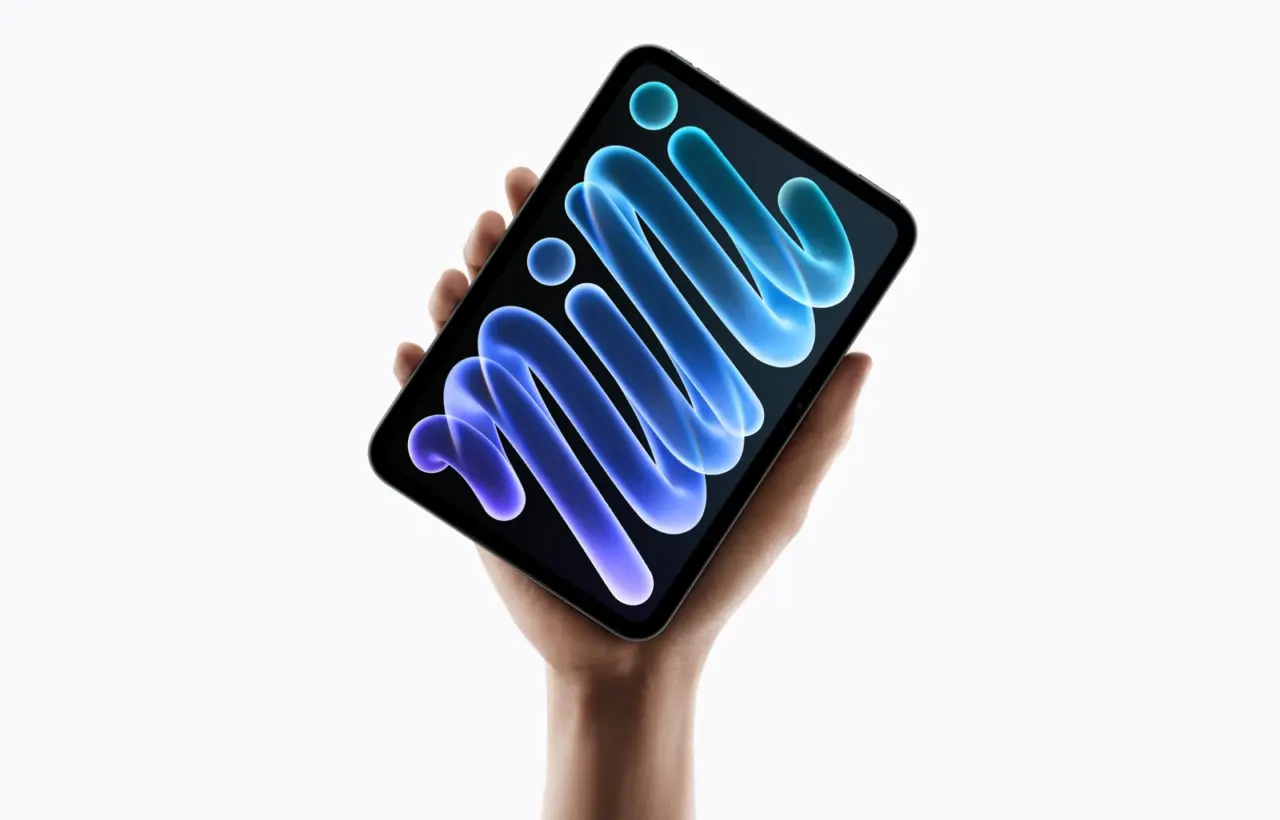
Apple announced a new iPad mini on October 26, bringing an OLED display and the A20 Pro chip to its compact tablet. Preorders open on October 28, with availability in the announced markets scheduled for November 6. The useful question is whether these changes solve a problem with your current device, and which configuration would actually fit your work.
This is an examination of official specifications and buying tradeoffs; we have not tested the device ourselves. The cover and article photographs are supplied by Apple Newsroom.
OLED: read the brightness figures carefully
Apple’s specifications list an 8.5-inch display, with up to 1,200 nits of peak brightness for HDR and up to 600 nits across the whole screen. These describe different measurements. The larger number should not be read as the constant brightness of every document or web page.
For books, handwritten notes and short work sessions while travelling, portability may matter more than maximum processing power. For wide spreadsheets, drawings or two documents side by side, assess the screen size first. Our practical suggestion is to open one of your own typical PDFs on a demonstration device and check whether you can read it comfortably without repeatedly zooming.
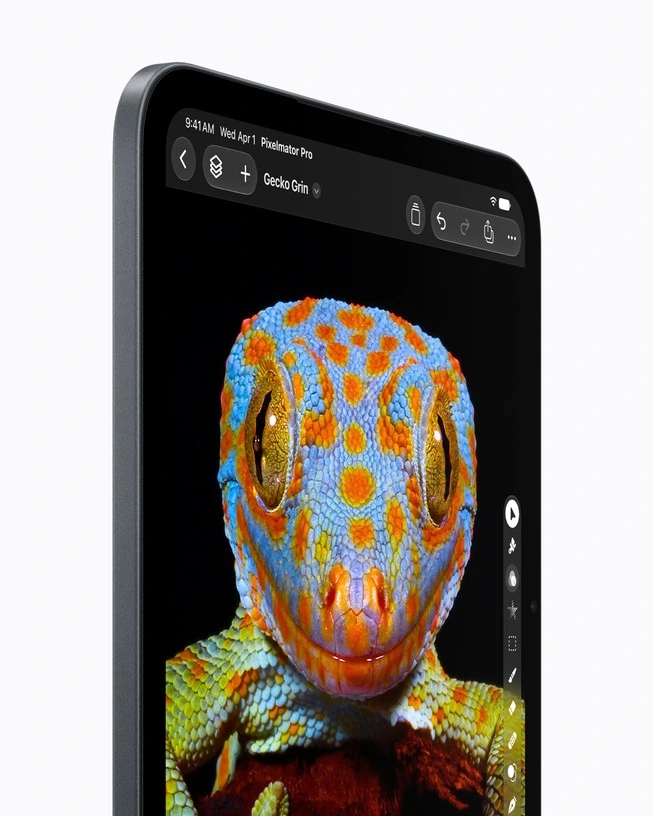
Nano-texture glass is an option on the 256GB and 512GB versions. Before paying extra, compare both finishes under lighting similar to your own. A manufacturer’s product image cannot tell you how distracting reflections will be beside your window or beneath your office lights.
Storage capacity also changes the chip configuration
Apple’s configurator lists a 5-core CPU and a 16-core Neural Engine for the 128GB and 256GB models. The 512GB version has a 6-core CPU and a Dual 16-core Neural Engine. All these configurations have a 7-core GPU. The A20 Pro name alone therefore does not describe every difference.
That does not make the highest configuration necessary for ordinary notes. Start by listing what you actually need offline: downloaded video, games, a photo library, project files and documents. Then separate your storage requirement from your processing requirement. Extra cores are easier to justify against a specific application than against a vague promise of future AI capability.
Siri AI: check language and region before paying
Apple’s October 26 announcement lists English, French, Japanese, Korean, Portuguese and Spanish for Siri AI, available in beta on iPadOS 27.2. Siri AI is currently unavailable in the EU on iPadOS. Broader language support for other Apple Intelligence features does not automatically make Siri AI available.
Some server-based features also have daily usage limits. Check the particular feature, language and country against Apple’s current guidance before buying. Avoid assigning purchase value to a feature that is only promised for later. For confidential work documents, our AI privacy checklist provides a useful starting point.
Price the complete setup
Apple’s US starting prices are $699 for Wi-Fi and $849 for Wi-Fi + Cellular. These are US base prices; the amount you pay depends on tax, configuration and your local seller. Check delivery dates in your country separately.
Add a case, the stylus you need, a mobile data plan and paid applications to your calculation. Compare two complete baskets: a tablet setup for your tasks, and an alternative setup for those same tasks. Otherwise, a series of individually small upgrades can quietly change the total budget.
The new mini supports Apple Pencil Pro and Apple Pencil USB-C. When choosing, remember that Pro offers pressure sensitivity, squeeze and barrel-roll gestures, and Find My support; USB-C does not include that full set. Handwritten notes and illustration can have different requirements. Do not choose a stylus simply because it resembles one you already own.
Cellular, water resistance and everyday use
The Cellular version uses eSIM. Before ordering, check whether your carrier supports eSIM specifically on iPad and allows the plan transfer you need. Apple documents several activation methods, with availability depending on the carrier. Having an eSIM on your phone does not by itself establish that the same plan will work on the tablet.
The advertised IP67 rating is not an invitation to use the tablet underwater. Apple cautions that water resistance is not permanent and liquid damage is not covered by the standard warranty. If you work outdoors, still plan how to store and transport the device and protect its accessories.
Who should consider it, and who can wait
- Your current tablet gets in the way. If storage is consistently tight, a necessary application is awkward to use, or the device’s condition makes you avoid it, compare the new mini with other current models against those specific tasks.
- You want a light secondary device for reading and notes. Start with the base configuration and the stylus you need. Justify each upgrade individually.
- Your existing mini still does the job. A new processor name is not a practical reason to rush into a preorder. Wait for independent checks of battery life, heat and the applications you use.
- You hope to replace a laptop. Check file export, window management, required extensions and peripherals. A specification list does not establish that your entire workflow will fit into iPadOS.
Prepare the move before retiring your old device
On your old iPad, open Settings → your name → iCloud → iCloud Backup, run a backup and check the time of the last successful copy. You need a network connection and enough iCloud storage. After moving, open important documents and verify application logins before erasing the old device.
Write down three conditions for a successful purchase: the inconvenience the new tablet should remove, the cost of the complete setup, and how you will check the result within the available return period. That list is more useful than comparing chip names alone. If you need a compact device with phone capabilities, our iPhone Duo article offers another form factor to consider.


Join the conversation
Stay on topic and respect other readers. Your first comment may appear after editorial review.