
Google DeepMind has introduced Genie 4, a research model that generates interactive environments with native audio. The idea is to let a user change a scene as it unfolds: control movement, introduce events and observe the world’s response. The announcement was published on October 27, 2026.
As of October 28, access is limited to trusted testers. Google plans a subsequent arrival in Project Genie for Google AI Ultra subscribers and early access for Gemini API and Google AI Studio partners. Buying a subscription today should not be treated as a guarantee of immediate access to Genie 4 itself.
How an interactive world differs from a video
When watching a finished clip, the viewer normally chooses when to pause or seek. In an interactive simulation, what happens next also depends on the commands supplied. Genie 4 lets users change the weather, introduce a character or object and move the camera. The scene continues developing between commands.
Consider a creative task: choosing the setting for a conversation between two characters. Instead of requesting separate images, an author wants to move around the scene, approach the table, alter the lighting and assess the composition. That workflow could help a team discuss an idea before building a set or a game level. This is an illustrative use case, rather than a result from our own testing.
Watch the official demonstration
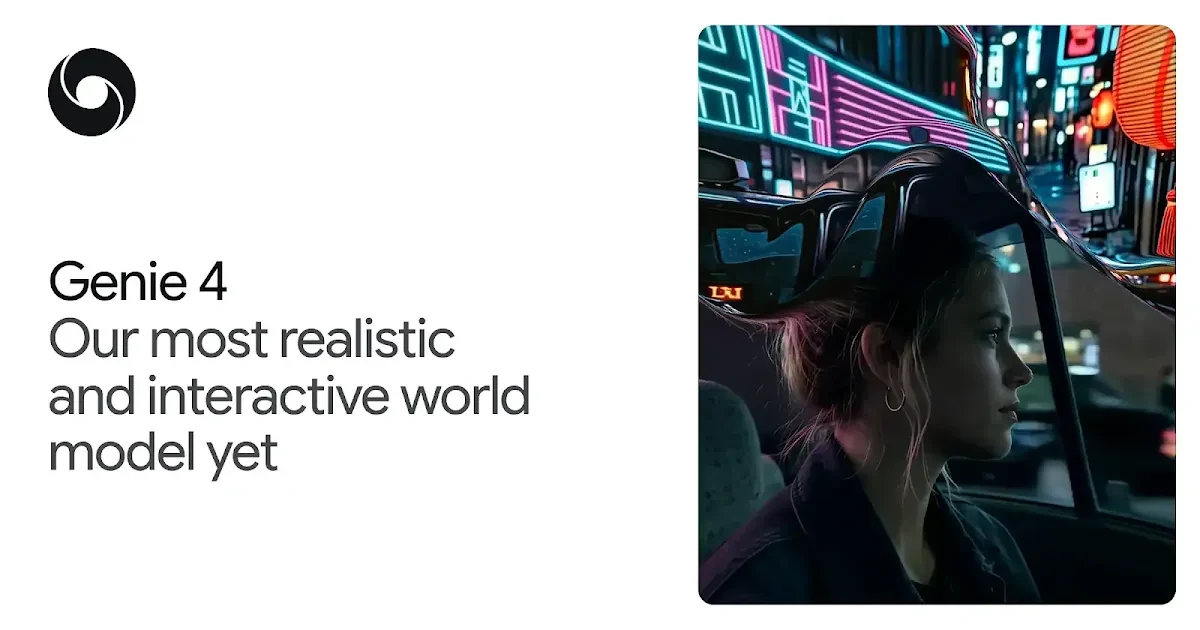
Look beyond image quality when watching. Observe how the scene responds to intervention, whether objects survive a change in viewpoint and how movement relates to sound. This is a manufacturer-selected demonstration, not a record of the full range of successful and unsuccessful attempts.
What Genie 4 adds
Google describes a combination of Gemini-family capabilities: Gemini Omni helps establish the environment’s appearance and behaviour, while other models help maintain coherence. Audio is generated alongside the scene and can include ambience, music and dialogue. A world model here means a system for simulation; it does not establish a verified digital copy of a real location.
A creative team can approach this as a structured comparison: keep one idea fixed, change one condition and compare the outcome. For example, assess camera movement first, lighting second and a new character last. Changing everything together makes it harder to identify which instruction helped or caused a problem.
The boundary between a prototype and a finished product
An attractive simulation does not by itself establish a way to release a complete game. A developer still needs answers about rules, repeatability, saved progress, state management, integrations and rights to use the output. An impressive camera walkthrough cannot settle those questions.
Likewise, a robot shown inside a simulated environment does not demonstrate that a physical robot will perform the task safely. Staff training, engineering validation and event reconstruction require their own evaluation methods. We therefore treat Genie 4 primarily as an opportunity to understand a new prototyping approach until a particular working scenario has been independently checked.
The limitations Google acknowledges
DeepMind’s model page says visual details and object permanence can drift over time, particularly after complicated edits and extended navigation. Interactions between multiple participants remain a research challenge. Accurate reproduction of real locations is not guaranteed, and legible text also has limitations.
A generated station sign should therefore not become travel guidance, and a simulated historical scene should not be presented as documentary evidence. When showing this material to other people, label it as a visualisation. In an educational example, distinguish verified information from details supplied by the model.
What you can prepare before getting access
The official prompting guide still contains instructions for Genie 3. Its useful general principle is to describe the environment, character and movement separately. Do not assume that every button or capability from the earlier version applies to Genie 4. You can instead prepare a small evaluation plan:
- One objective. Compare three camera angles for a training scene, for example, rather than immediately attempting to build a complete course.
- A simple starting environment. Record the locations of a few objects and identify what must remain unchanged.
- One edit at a time. Turn the camera, change the weather or add an object, then check for unintended changes elsewhere.
- A measure of usefulness. Did the result help make a specific decision? How much correction was needed? Compare it with a straightforward sketch or conventional mock-up.
An example concept for a future check: “A small fictional workshop. Two cups and a lamp stand on a table. The camera slowly moves around the table; the objects keep their positions.” This is our instructional example, not a tested prompt with a guaranteed result. It provides something concrete to observe: whether objects persist during camera movement.
Following access announcements and identifying the media
Follow announcements on the official Genie page, which links to the waiting list. Before paying, separately check the model actually provided, country availability, session limits and usage terms. Access to Gemini 4 Argon does not itself establish access to Genie 4.
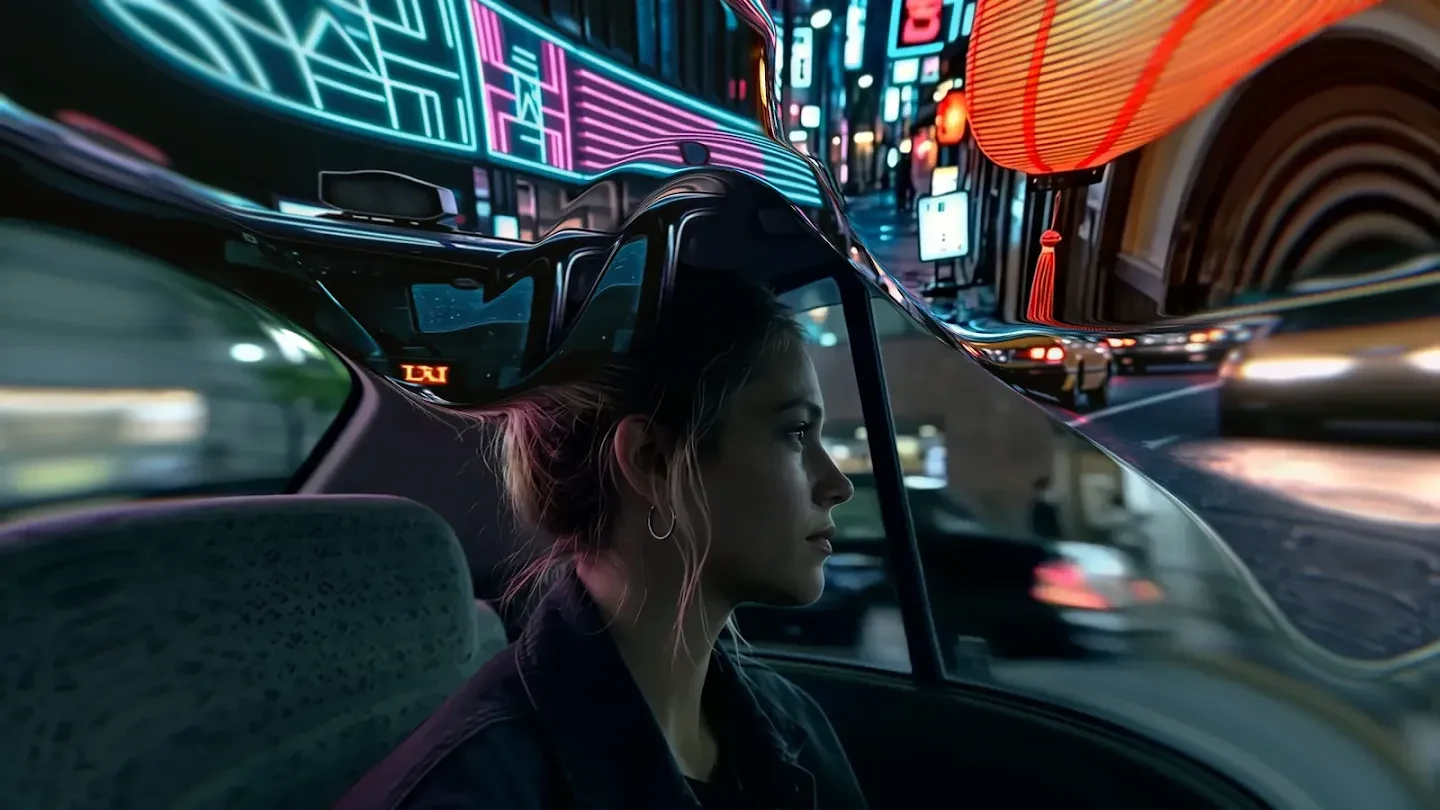
Google says Genie 4 video and audio include SynthID. The watermark helps establish provenance; it does not verify that a scene is true. Our SynthID Detector explainer covers that distinction. The cover and illustration in this article come from Google DeepMind’s official model page: they depict AI environments, not photographs of real events.


Join the conversation
Stay on topic and respect other readers. Your first comment may appear after editorial review.