

Ladybird opened the first public alpha of its browser on November 23. Ready-to-install builds are available for Apple silicon Macs and Linux. Until now, keeping up with the latest changes meant building Ladybird from source. You can now install it and see how it handles the sites you use.
The main event is the browser engine. Ladybird’s team writes its own software for turning the code behind a website into the page you see. An alpha opens that engine to more of the real web than a set of lab tests can cover. It also means some sites are going to break as people explore it.
What a different browser engine changes
A browser’s tabs and the page inside them have different jobs. Tabs, bookmarks, and the address bar belong to the interface. The engine underneath reads HTML, works out where things go, draws the text, and runs the code behind buttons and interactive elements. When you resize a window and a site collapses its menu to fit, the engine works out that new layout.
Chrome and Edge share a Chromium foundation. Firefox uses Gecko, and Safari uses WebKit. Ladybird adds another implementation of the web’s standards. If a site relies on a detail that happens to work in one browser, a different engine can expose it. Sometimes the site needs a fix. Sometimes the problem lies in the engine.
Ladybird grew out of SerenityOS and still uses some libraries from that project. It also uses third-party libraries for common jobs like decoding images and playing audio. A nonprofit backs the work through donations and sponsorships. The project says its sponsors have no say in which features its engineers build.
Where the alpha runs
The first release is 2026.47.7. The Mac version requires Apple silicon and macOS 14.4 or later. If you’re unsure which Mac you have, open the Apple menu and choose About This Mac. A supported Mac lists an Apple chip such as the M1 or M2.
| Platform | What the download page offers |
|---|---|
| Apple silicon Mac | DMG disk image for macOS 14.4 and later |
| Linux x86‑64 and ARM64 | Flatpak, the project’s recommendation for most distributions |
| Ubuntu and Fedora | Repositories for Ubuntu 24.04, 26.04, and 26.10, plus Fedora 44 and 45 |
| Linux standalone archive | A prebuilt download with manual updates |
On a Mac, open the disk image and drag Ladybird into Applications. The method on Linux depends on your distribution, and Ladybird’s Download page has separate instructions. It’s worth picking a package with an update path. The alpha gets frequent updates, which are easier to pick up through Flatpak or a repository than by downloading a fresh standalone archive.
The download page publishes SHA-256 checksums for release files. A matching checksum tells you your download is the same file the project published. That’s handy if someone passed you a disk image and you want to check it against the official one. Use the checksum for the version named in the file.
The first alpha leaves out Intel Macs, Windows, and phones. Windows is on the project’s roadmap. The team plans to put more work into Android and iOS after the desktop versions are further along.
What you’ll find when you open it
The interface is familiar. Tabs and an address bar sit at the top, with the page below. The team has added browsing history, download management, and session restore. Other everyday features are still taking shape. Development updates describe work on smoother animations, playing video, and keeping pages responsive when they run a lot of code.
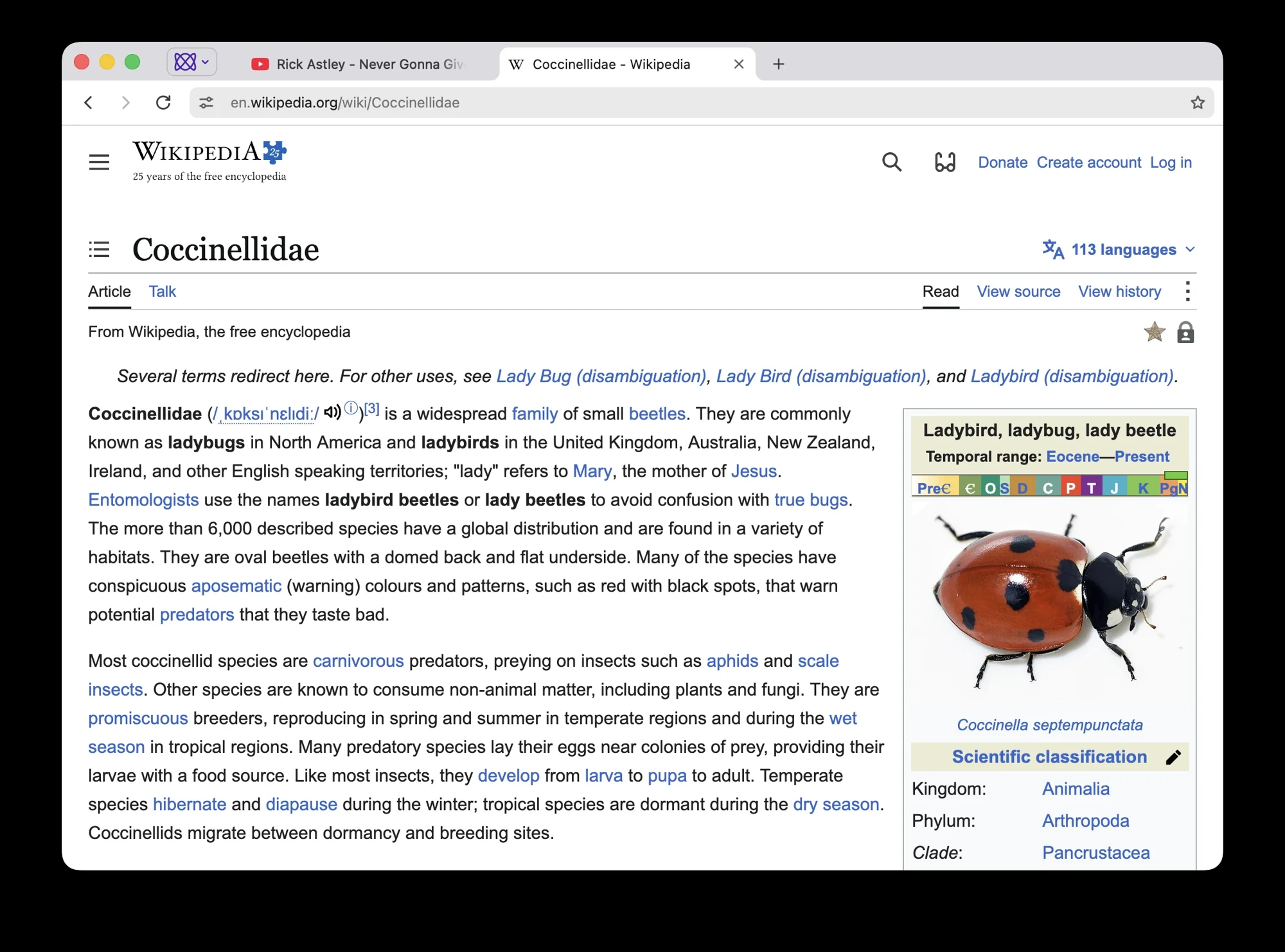
A straightforward article can open fine while a busy web app displays a form incorrectly or gets stuck. The team also expects crashes in the alpha. Public pages you visit often are a good way to see how far Ladybird has come. Keep your regular browser around for banking, work accounts, and other logins you rely on.
What a bug report can include
After a crash, Ladybird offers to show you its report and lets you decide whether to send it. For pages that look wrong or fail to load, you can file a separate report from the browser. That report can include the URL, a description, technical details about the build and system, and a screenshot. You can remove the screenshot before sending it.
That matters when a bug only shows up after signing in. A screenshot might show your name, a message, or details from an account page. Ladybird says it publishes accepted broken-site reports as public GitHub issues with IP addresses removed. Take a look at what the report contains before submitting it. A button that’s out of place, for example, may have the same problem on the public part of the site.
Updates work separately from reports. When an official build checks for an update, it sends the installed version and platform. Other requests depend on the features you turn on. Enabling an EasyList filter makes the browser fetch rules from the list’s maintainers. Enabling search suggestions sends what you type in the address bar to your chosen search engine. The project’s privacy policy describes both cases.
Why web developers can start paying attention
For site owners, the big change is easier access to the same builds readers use. Previously, you needed to set up a local build. Now you can grab a release, open a site you work on, and see where it behaves differently. Ladybird supports WebDriver for automated checks and the Firefox DevTools protocol for connecting developer tools.
The team also runs Web Platform Tests, a shared set of tests for how browsers implement web standards. Ladybird reported passing more than 2.18 million subtests in October. An individual test can cover a small detail, such as applying a style or editing text on a page. Passing more of them shows progress on the engine. Compatibility with a particular site comes down to the features that site uses.
Start with something visitors depend on. For a shop, that might be choosing a delivery option. For a publication, it could be the navigation, a video player, or a long article with a table. If anything breaks in Ladybird, include the version number and what you were doing in the report. That helps the team tell a one-site problem from a bug in a feature other sites also use. It’s the kind of feedback an open alpha can bring in.




Join the conversation
Stay on topic and respect other readers. Your first comment may appear after editorial review.