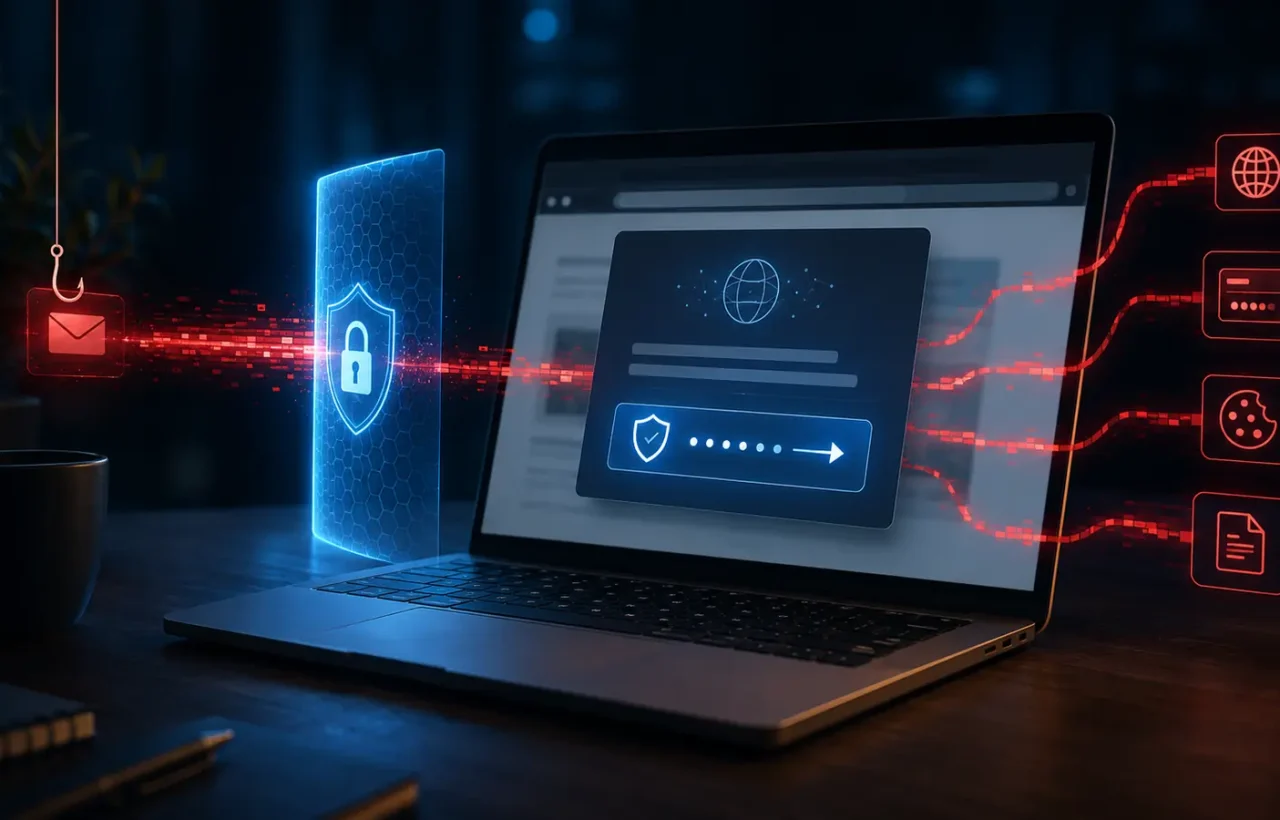
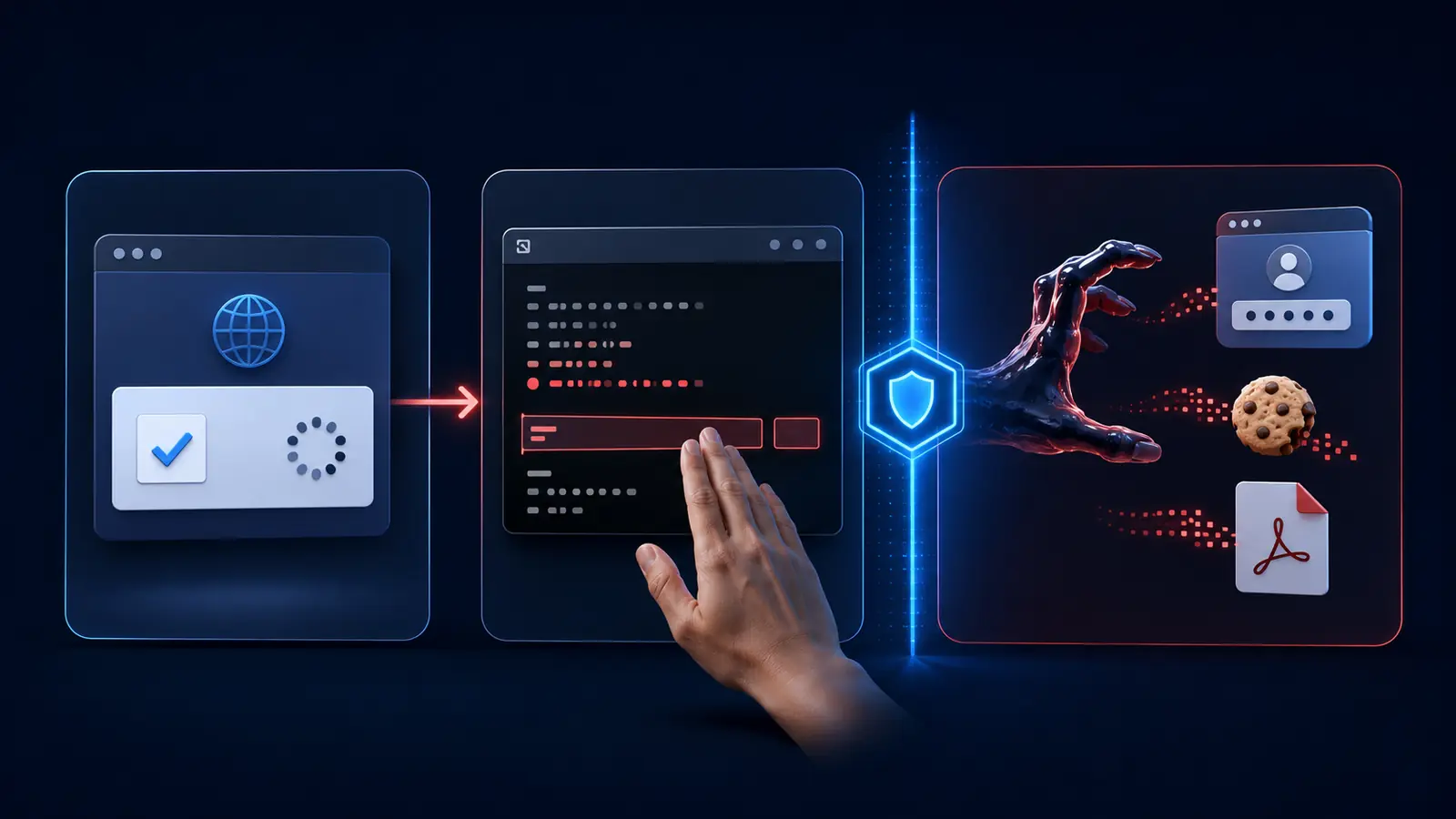
A real CAPTCHA may ask you to tick a box, identify a few pictures or enter a short code. If a “verification” tells you to open Windows Run, a terminal or PowerShell, paste text from the clipboard and press Enter, the website is not performing a normal security check. It is asking you to run someone else’s command. That is the central trick behind ClickFix.
On July 16, 2026, Microsoft Security Research published an analysis of two active ACR Stealer intrusion chains. Microsoft Defender Experts had seen activity increase from late April through mid-June. Both campaigns started with a ClickFix lure and ended with attempts to steal passwords, cookies, authentication tokens and documents. For an individual, that can mean hijacked personal accounts. In a company, it can also open the way to cloud resources and further intrusion.
What ACR Stealer is
ACR Stealer is information-stealing malware. Microsoft says it has been associated with the rebranding of Amatera Stealer and is reportedly offered as malware as a service. In other words, the people who maintain the tool can make it available to other criminals. The landing page and technical route may therefore change from one campaign to another even when the objective stays the same.
In the first campaign Microsoft examined, the ClickFix command reached a remote WebDAV share and abused a legitimate Windows component. Obfuscated PowerShell, a bundled Python loader and a hidden scheduled task followed. The task was made to look like a software update, allowing the malware to run again when the user signed in. Some versions also used a public blockchain as a dead-drop resolver: the operators could retrieve or change the location of later infrastructure without rebuilding the malware.
The second chain left fewer obvious files behind. It abused MSHTA and PowerShell, fetched what appeared to be an ordinary JPEG from an image-hosting service, then extracted encrypted malicious content hidden in the pixels. Much of the code ran in memory. That matters because looking for a suspicious download alone may not find it. Microsoft also cautions that these are two prevalent examples, not a complete catalogue of every way ACR Stealer can be delivered.
What the attacker may obtain
The observed malware accessed credential stores used by Chromium-based browsers, including Chrome and Edge. It attempted to recover saved passwords, cookies and authentication tokens through Windows data-protection functions. It also searched for PDFs, Microsoft 365 documents and material in synced OneDrive and SharePoint folders. The collected data was archived, consistent with staging it for exfiltration.
Session cookies and tokens deserve particular attention. Resetting a password is essential, but it does not guarantee that every session already issued by every service disappears immediately. Microsoft’s response guidance therefore says to rotate exposed credentials and revoke potentially compromised tokens. Microsoft’s Entra documentation also notes that an application may control its own session, so administrators may have to end access in that application as well.
What to do if you ran the command
- Isolate the computer immediately. Turn off Wi‑Fi and unplug Ethernet. Do not use the suspect machine to change passwords; an active stealer could capture the new credentials too. If it is a work device, contact IT or the security team at once and let them handle containment. Do not quietly try to clean a managed laptop yourself.
- Record what happened. Note the approximate time, the page address, what the page asked you to do and any windows you saw. A phone photo of the screen can help, provided you do not revisit the dangerous site. Do not run the command again, and do not send it to a colleague to “test.”
- Secure accounts from a known-clean device. Start with your primary email, password manager, work identity, cloud storage and financial services. Set unique passwords, review active devices, sign out other sessions and revoke tokens wherever the service provides that option. In Microsoft Entra, an authorised administrator can block new sign-ins and use Revoke sessions. Other apps may need their own session-revocation step.
- Enable multifactor authentication and check recovery settings. Confirm that recovery email addresses, phone numbers and passkeys still belong to you. Review mailbox forwarding and filtering rules as well. MFA makes a fresh login harder for the attacker, but it should not be treated as a substitute for terminating a stolen session.
- Have the endpoint investigated. In an organisation, Defender or another EDR platform and trained responders should examine PowerShell, MSHTA and WebDAV activity, hidden scheduled tasks, unusual content under Temp or LocalAppData, browser-database access and outbound connections. A home user should update Windows Security, run a full scan and consider Microsoft Defender Offline. A clean quick scan is not conclusive because part of the observed attack ran in memory.
- Watch for follow-on activity. Check sign-in histories, unfamiliar devices, password-reset messages, cloud-drive activity, mailbox rules and banking alerts. If a responder cannot establish that the persistence mechanism and payload are gone, discuss restoring or rebuilding the machine from a known-good source rather than assuming the absence of pop-ups means the system is safe.
If you copied the text but did not paste and execute it, copying by itself does not normally run the code. Close the page, clear the clipboard and check whether the site caused any other downloads or permission changes. If you pasted the command and pressed Enter, treat the device as potentially compromised even if the console vanished and nothing visible happened.
How to spot ClickFix before it runs
- A website presents Command Prompt, PowerShell or another local tool as part of a CAPTCHA or browser repair.
- The instructions ask you to paste a command you cannot read or explain.
- The page creates urgency by claiming the file, video or search result will remain blocked until you comply.
- The prompt appears after an advertisement or search result on a domain you do not recognise.
ClickFix sits alongside other modern social-engineering tactics. RozumTech’s guide to AI phishing and voice cloning provides a reusable verification routine for suspicious messages and calls.
Small teams can turn this into a simple, memorable policy: no website should require staff to run a local command to prove they are human. Work credentials should live in a managed password manager rather than solely in the browser, MFA should be mandatory, and day-to-day users should not operate with permanent administrator rights. Microsoft additionally recommends web filtering, application-control and attack-surface-reduction rules around PowerShell, Python, MSHTA and Rundll32, plus monitoring for scheduled tasks disguised as updates.
The practical takeaway
ClickFix succeeds because the instruction looks procedural and harmless, not because the user sees an obvious malware download. Stop whenever a web page turns “verification” into a Windows command. If the command has already been run, do more than change one password: isolate the device, revoke sessions and tokens, investigate persistence and carry out the account recovery from a clean system.