
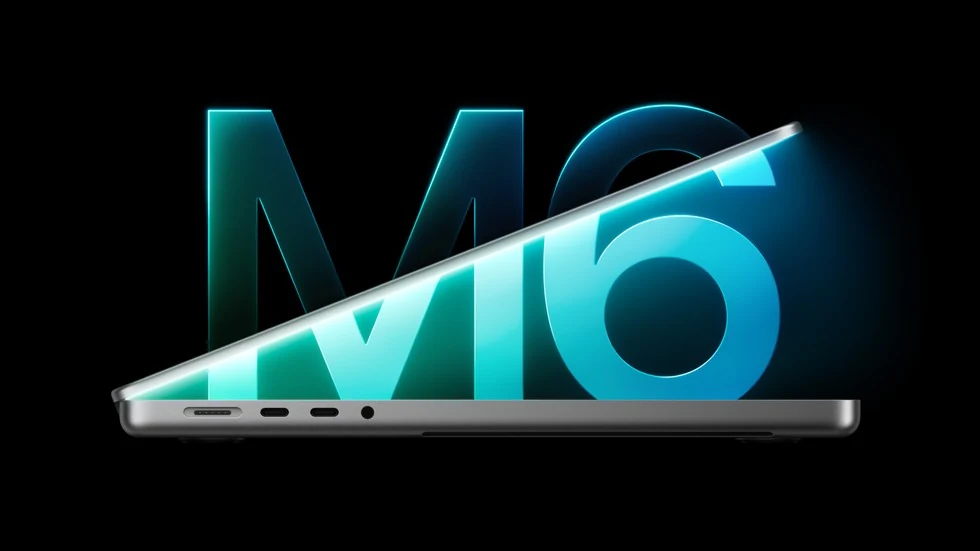
Apple has announced a 14-inch MacBook Pro and iMac with M6. Preorders are scheduled for October 28, with availability beginning November 6, 2026, in Apple’s announced markets. The useful buying question is which configuration to choose: the same chip name covers different core counts, ports and memory limits.
This comparison combines official specifications with practical checks before ordering. We have not tested these computers; performance and battery claims are Apple’s. Cover image: official Apple Newsroom material.
Three configurations to keep separate
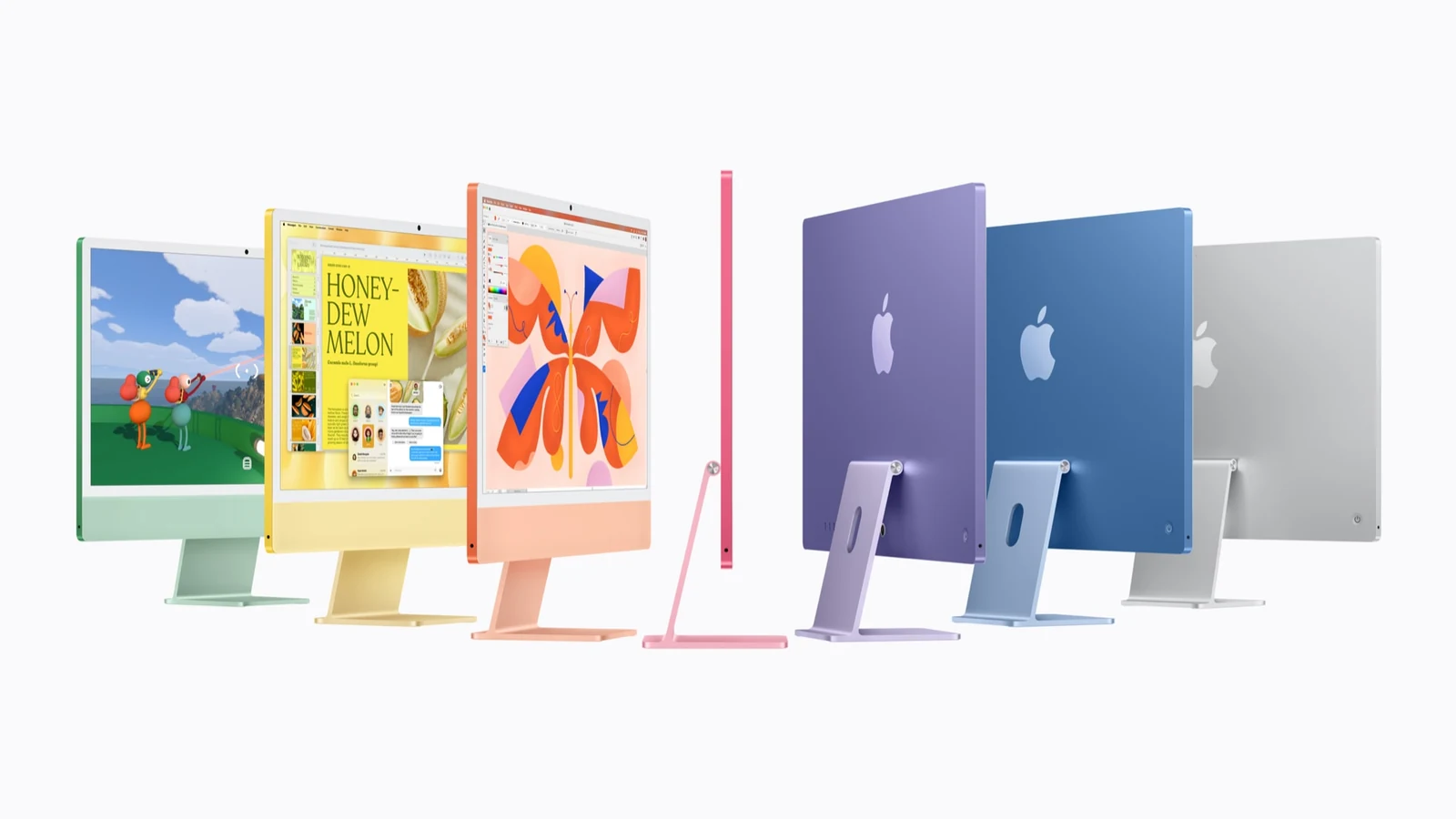
| Specification | Entry iMac M6 | Higher iMac M6 | 14-inch MacBook Pro M6 |
|---|---|---|---|
| Starting US price | $1,499 | $1,699 | $1,999 |
| CPU / GPU cores | 10 / 10 | 12 / 12 | 12 / 12 |
| Unified memory | 16–24 GB | 16–32 GB | 16–32 GB |
| SSD choices | 256 GB–1 TB | 256 GB–2 TB | 1–4 TB |
| Thunderbolt 4 | 2 ports | 4 ports | 3 ports |
| External displays | Up to 1 | Up to 2 | Up to 2 |
| Built-in display | 24-inch 4.5K Retina | 24-inch 4.5K Retina | 14.2-inch Liquid Retina XDR |
These are Apple’s starting US prices. Memory and SSD ranges include paid configuration options; the largest capacities are not included at the starting price. Taxes, local pricing, warranty arrangements and delivery dates depend on the market and seller. Apple’s MacBook Pro page lists the preorder opening for October 28 at 10:10 a.m. US Pacific time.
The iMac upgrade buys more than two extra cores
The higher iMac configuration adds two ports, raises the memory and storage ceilings and supports an additional external display. The 2.5Gb Ethernet connection is optional on the entry model and included with the four-port version. Start with a list of connected equipment: an external SSD, backup drive, camera, audio interface and monitor.
For example, someone who regularly uses only a keyboard, mouse and one drive may gain little from four ports. A desk with several wired devices needs a different calculation: compare the higher iMac price with the cost of the dock you would otherwise buy. Include cable clutter and available desk space in that decision. Case colour alone does not identify the configuration.
A MacBook Pro with M6 does not mean an M6 Pro chip
Pro is part of the computer’s name, but this announcement concerns the base M6 chip. Apple’s current lineup page separately lists M6, M5 Pro and M5 Max. Their memory limits, display support and bandwidth differ. A newer generation number does not automatically establish a win in every professional workload.
The M6 notebook includes HDMI, SDXC, MagSafe 3 and three Thunderbolt 4 ports. Evaluate them against your equipment: a photographer may value the card slot, while a multi-monitor desk needs the right combination of resolution, refresh rate and connection type. If you require three external screens, this model’s stated support for two is insufficient; investigate another configuration.
When memory matters more than a headline percentage
Apple reports up to 30% faster graphics than M5 for the M6 MacBook Pro and up to 24 hours of battery life. These are manufacturer results and maximum figures under particular conditions. They do not mean every editing job will finish 30% sooner or that a demanding application will run for a full day on battery.
Before selecting 16GB, 24GB or 32GB, open your normal working set of applications on your existing Mac. In Activity Monitor, choose Memory and look at Memory Pressure and Swap Used. Apple explains that the pressure graph reflects how efficiently memory is serving your workload; the amount of unused RAM alone is not a sufficient assessment. Repeat the observation during a typical difficult task, rather than immediately after restarting.
If you frequently close one editor just to open another project, additional memory deserves consideration before cosmetic options. For local AI, assess the particular model, context length and other applications you need running. Our explanation of local AI hardware requirements and tradeoffs covers the underlying choices: an AI label on a chip does not determine what will fit into memory.
Check Siri AI language support separately
As of October 28, Siri AI is available as a beta feature in macOS 27.2 in English, French, Japanese, Korean, Portuguese and Spanish. Other Apple Intelligence features support a broader language list. Finding a language on the general Apple Intelligence list therefore does not establish that the new Siri supports it.
Apple’s announcement lists an EU restriction for Siri AI on iOS, iPadOS and watchOS; applying that restriction automatically to macOS would be incorrect. Individual features can still depend on region, and server-based capabilities have daily limits. If a particular Siri action is the reason for your purchase, check its language, operating system and conditions before paying.
A practical checklist before placing the order
- Write down the problem with your current computer. Is it memory, ports, storage or mobility? Choose a configuration that addresses that problem.
- Price the whole setup. Include necessary drives, adapters, a dock and data protection. Compare final totals in the same shop and currency.
- Check work software. Ask the developers about compatibility between macOS 27 and the specific application versions, plug-ins and peripherals you need.
- Prepare a backup. Time Machine supports an external drive; Apple recommends at least twice your Mac’s storage capacity. Before migrating, check the date of the last completed backup and try restoring a sample file.
If your existing computer handles your work, preordering is optional. Wait for tests of the workload that matters to you, then compare the complete price with available previous models. It is also worth arranging a 3-2-1 backup setup for important files ahead of time, whichever Mac you eventually choose.


Join the conversation
Stay on topic and respect other readers. Your first comment may appear after editorial review.