
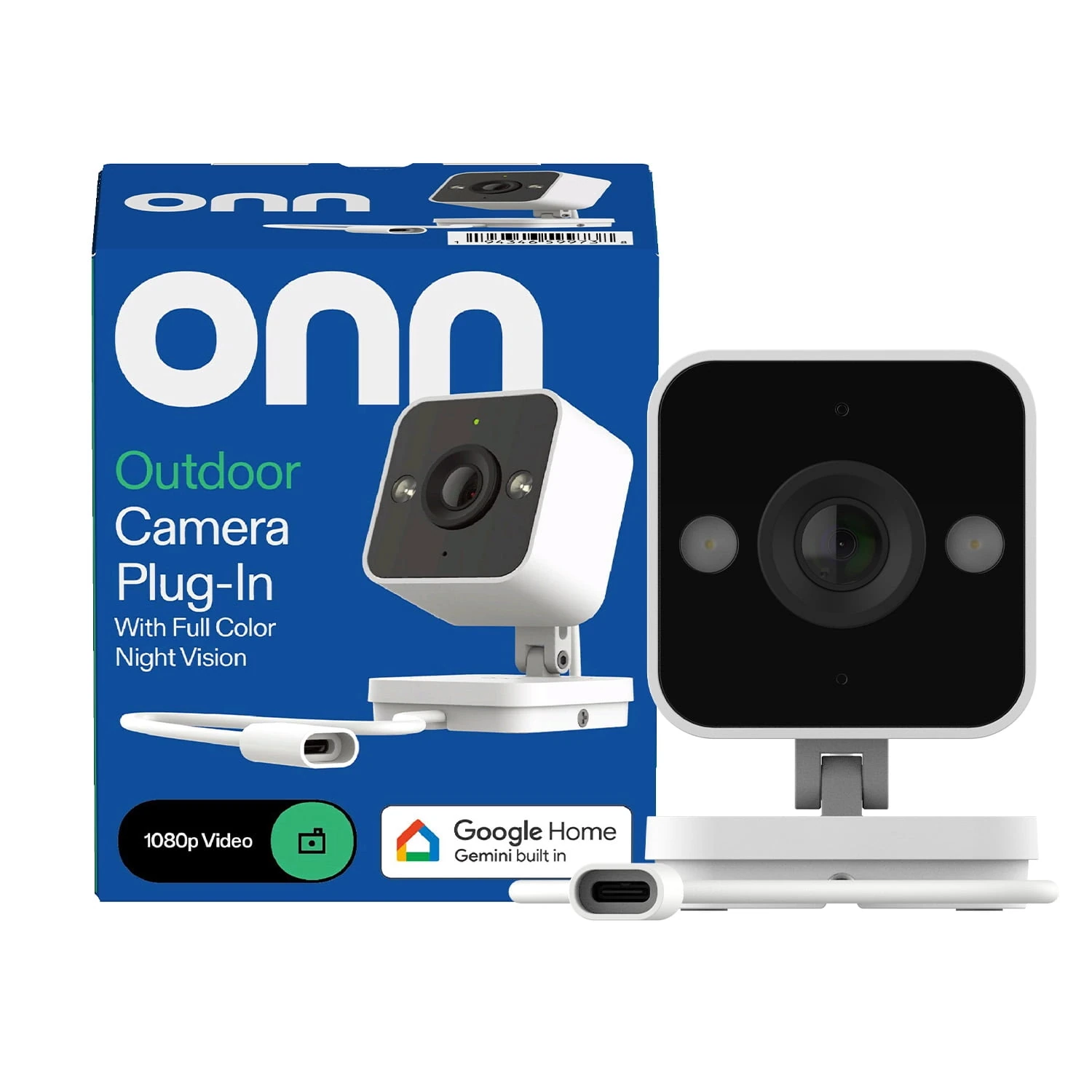
Google Home’s November 25 update adds Familiar Face alerts to two outdoor onn. cameras from Walmart. When the camera sees someone you have labeled in the app, the alert can show their name. The feature requires a Google Home Premium subscription.
Walmart had previously advertised familiar face alerts for its cameras. In August, 9to5Google reported that Google had temporarily disabled the feature over a firmware problem. Google’s November release notes name the two models that now support it. If you already have one, start by checking the settings in Google Home.
Which cameras get Familiar Face alerts
The update covers the onn. Outdoor Camera Plug-In and the onn. Floodlight Camera Hardwired. Both record 1080p HDR video and work with Google Home. What sets the hardware apart is power and lighting. The first camera needs an outlet. The second connects to fixed wiring and has two floodlights.
| Model | Walmart US price | Power |
|---|---|---|
| onn. Outdoor Camera Plug-In | $34.87 | Plugs into an outlet |
| onn. Floodlight Camera Hardwired | $77 | Fixed wiring, with two floodlights |
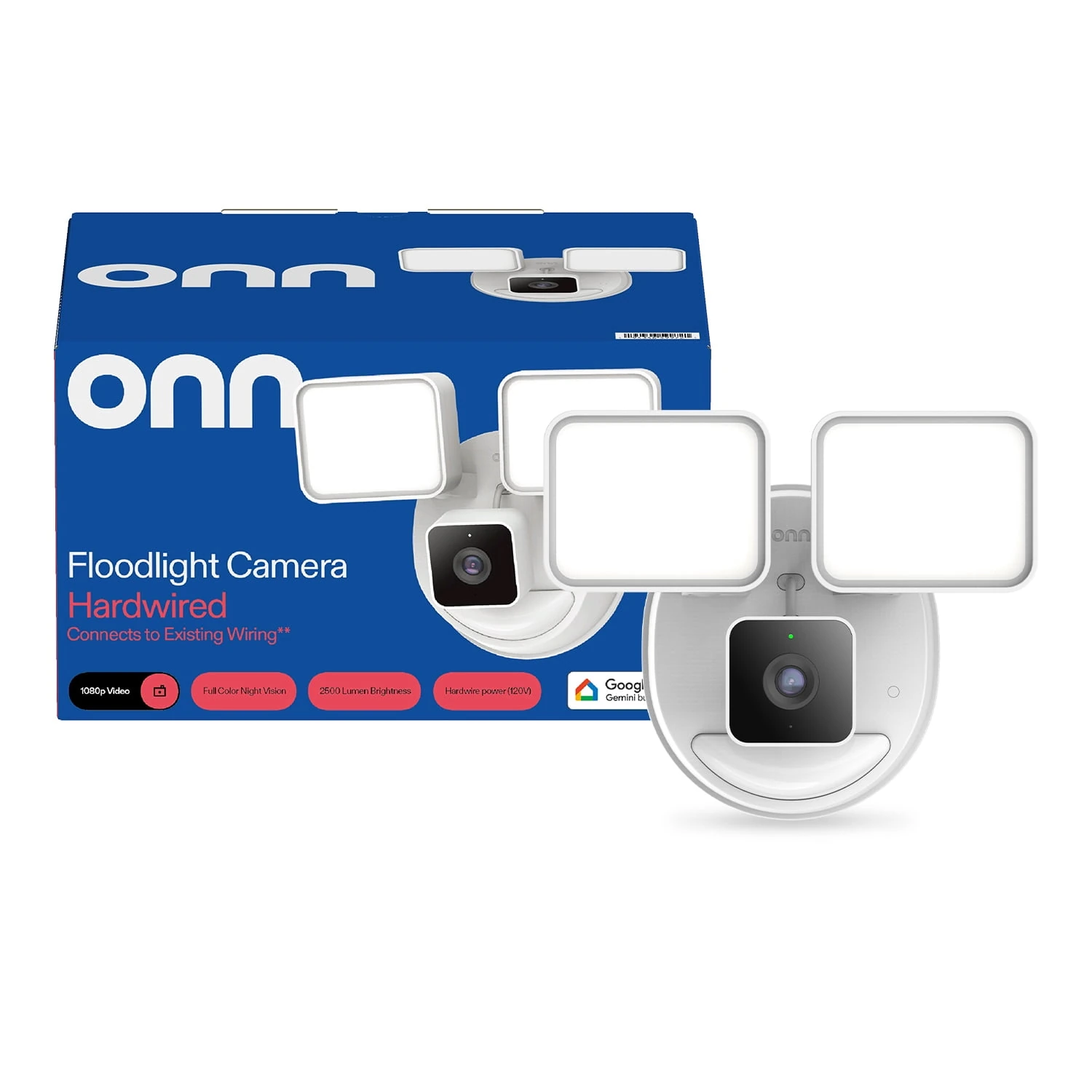
Those were the hardware prices on Walmart’s US site when this article was prepared. The $34.87 camera suits a spot where you already have power nearby. Installation is an extra cost to consider for the floodlight model. If you own another onn. camera, check its name in its device settings. Google specifically named these two outdoor models in this update.
Both support two-way audio. You can open the live feed in Google Home and talk to someone at the entrance through the camera’s microphone and speaker. Live viewing and remote alerts rely on Wi-Fi and internet access. Keep that in mind if the spot where you want the camera is far from your router.
What you pay for the subscription
The Google Store lists Familiar Face alerts under Standard. In the US, that plan costs $10 a month or $100 a year. The $34.87 camera plus a year of Standard comes to $134.87 before tax and shipping. For the floodlight model, the total is $177 before tax, shipping, or installation.
Walmart lists three hours of event snapshots with both cameras. Standard adds up to 30 days of event video history, useful if you need to review something from a few days ago. Google ties the subscription to a home, so compatible cameras in that home can use the same plan.
If familiar faces is the reason you’re considering a subscription, check feature availability for your home’s address. Google says familiar face detection is unavailable for cameras based in Illinois. Prices and availability outside the US depend on the region.
Where to turn on familiar faces
Tap your profile icon in Google Home and open Home settings → Subscriptions → Google Home Premium → Familiar face detection. If you have several homes in the app, choose the one containing the camera first. This screen lets you turn familiar face detection on for an individual camera.
For alerts, open the camera in Google Home, go to its settings, and turn on People under notifications. The camera can still alert you when it sees a person while familiar face detection is off. Familiar Face alerts can add a name when the app matches the person to a saved profile.
Household members share the library and control their own notifications. One person can keep every camera alert while another turns off familiar face notifications in their app. The name associated with an alert can also appear when you open the corresponding event in the camera’s history.
When the camera sees a new face, the app offers to let you say whether it’s someone you know. You can name the person you decide to add. That name can then appear in future events. Standard people alerts are enough to tell you that someone’s at the door. The library is useful when you’d like to tell which member of the household just got home.
Who can see the face library
The home’s library contains profiles and the snapshots Google Home uses to recognize people. Members of that home in the app can access it. If the camera covers a shared entrance or people visit often, it’s worth talking with them about which faces they want saved.
Matches can be wrong. Google says the same person may show up in two profiles, which you can merge. If a profile contains a bad snapshot, you can remove that picture on its own. When a name in an alert looks wrong, open the event recording and check who was there.
If the camera detects people but rarely recognizes faces, look at a few daytime and evening clips. Google points to viewing angle and glare as factors. A face is easier to see when someone is walking toward the camera. Bright light behind them, heavy shadows, or a steep angle can make it harder to get a clear image.
The Familiar face detection settings let you delete one person’s profile or erase the entire library for the selected home. Erasing the library also removes the snapshots used for recognition. If you manage multiple homes from one account, check which home is selected first.
If the library disappears, Google’s help page lists two possible causes. Your Premium subscription may have expired, or familiar face detection may be off for all cameras. Open the settings for the home that held those profiles to check the subscription and the individual camera toggles.
The siren and camera previews
While watching a camera’s live feed in Google Home, you can now start or stop a 30-second siren. Google lists both onn. cameras and the wired second-generation Nest Cam Outdoor. This is a separate control in the app that you can use during live viewing.
Google also fixed a bug on Android 17 phones. Camera event alerts sometimes arrived without a short clip or snapshot. The fix covers supported Nest and partner cameras. It’s useful if you usually glance at the preview to decide whether to open the live feed.



Join the conversation
Stay on topic and respect other readers. Your first comment may appear after editorial review.