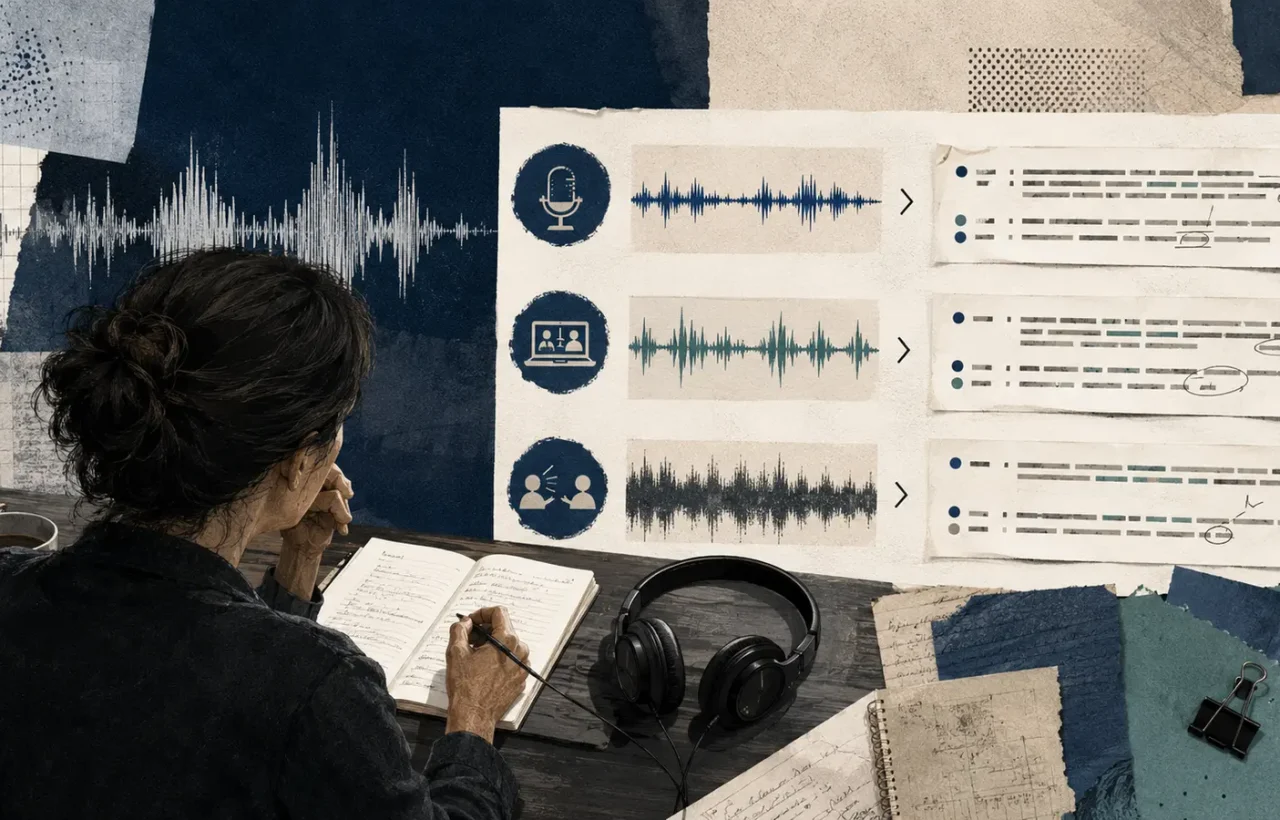
A transcription demo usually looks impressive: one clear voice, a quiet room and a short recording. A real meeting contains a weak microphone, two languages, unusual surnames, interruptions and a sentence that was “off the record.” That is the material on which a service should be judged.
The best AI transcription tool is not necessarily the one with the lowest error score in a generic benchmark. It is the service that works acceptably with your languages, fits your confidentiality rules and reduces the complete time between recording and a checked deliverable.
Define the output before comparing apps
A verbatim transcript, captions and meeting notes are different products. An interview needs dependable quotations, speaker labels and timestamps. An internal meeting needs decisions, owners and deadlines. Video captions need short segments that can be read comfortably on screen.
Write down the non-negotiable requirements for your test:
- the languages and mixed-language speech you actually encounter;
- separation of multiple speakers;
- file upload or connection to a meeting platform;
- timestamps and export in the required format;
- a vocabulary for names, brands and technical terms;
- search, comments and collaborative correction;
- retention settings and a clear deletion mechanism.
Without this list, an attractive summary can distract from the problem that really costs time, such as unreliable speaker labels.
Build a small but honest test set
Choose three recordings of 10 to 15 minutes. Make one a clean recording, one a typical online meeting, and one a difficult case with background noise, overlapping speakers or language switching. Include numbers, proper nouns and a few sentences where one wrong word changes the meaning.
Manually prepare a reference for the important sections. You do not need to count every comma. Mark consequential errors: a wrong amount, a missing “not,” a confused speaker, or a decision that was never made. Also measure the minutes of editing needed for each recorded hour.
A claim of 95 percent accuracy sounds excellent, yet the remaining five percent might contain every surname and figure. In journalism or a legal context, one incorrect quotation matters more than dozens of correctly recognised filler words.
Test accents and mixed-language conversations
Do not stop at seeing a language in the supported list. Test the accents, industry vocabulary, product names and mid-sentence switching present in your recordings. Automatic language detection can fail on a short segment, so check whether a primary language can be fixed and whether one section can be corrected without processing the entire file again.
A custom vocabulary does not guarantee accuracy, but it can remove repetitive corrections. Enter names and terms in the form in which they should appear in the final document.
Privacy questions to ask before the first upload
Audio can contain more sensitive material than the document eventually published: voices, side conversations, client information and notification sounds. Establish where recordings are processed, how long audio and text remain, whether content is used to improve models, who in a workspace can gain access and how permanent deletion works.
Before sending a recording, use the AI privacy checklist to review consent, unintended voices, notification sounds, retention, and access.
Read the contractual terms rather than relying on a page that merely says “secure.” Work data may require a processing agreement, a particular region and access records. Tell participants that a meeting will be recorded and obtain consent where policy or law requires it. A bot silently appearing in every calendar event is a poor way to build trust.
Highly sensitive conversations may not belong in a cloud transcription service without specific approval. A local model can reduce external data transfer, but it requires suitable hardware, setup and your own protection of the files.
A summary is not the transcript
AI notes are convenient, but they can omit a caveat, assign an action to the wrong person or turn a suggestion into an agreement. Keep a route from every important summary item to the transcript and timestamp. Before distribution, a responsible participant should verify decisions, amounts, dates and names.
A sound workflow treats the automated output as a draft, has a person correct consequential sections and keeps the approved summary separate from the raw transcript. If an interview will be published, check quotations against the audio rather than the generated summary.
AI call transcription with human review
For Ukrainian, compare GoTranscript and Happy Scribe; for English, add Rev or Verbit to the shortlist. In most services, a person reviews the recording after the call rather than in real time. A “99%” figure is a vendor claim under stated conditions, not a universal independent guarantee.
First ask what the provider means by human review. A browser editor in which you correct the AI draft yourself is not professional human verification. Four different workflows are commonly sold:
- AI plus self-review: the service creates a draft and a call participant corrects it.
- AI plus editor: a specialist listens again and fixes words, speakers and formatting.
- Human-made transcription: a transcriptionist produces the text; AI may assist internally, but the result goes through human work.
- A second QA pass: another person checks the finished transcript and critical passages.
| Service | Human workflow | Ukrainian | Vendor claim | Typical turnaround |
|---|---|---|---|---|
| GoTranscript | Human-made and proofreading of an existing transcript | Yes | up to 99.4% for clear audio | depends on the order; rush options available |
| Happy Scribe | AI or human-made, reviewed by a native speaker | Yes | about 85% for Ukrainian AI; 99% human-made | minutes for AI; up to 24 hours claimed for Ukrainian human service |
| Rev | Separate human transcription service | Human service is mainly English | 99%+ | up to 12 hours |
| Verbit | AI with optional human review | Confirm for the selected plan | up to 99% | enterprise quote and SLA |
Do not rank those numbers directly: companies use different recordings and definitions of accuracy. Test 10–15 minutes of a real call with background noise, interruptions, two speakers, Ukrainian/English code-switching, surnames, amounts, dates and negation. Measure not just wrong words but critical errors left after the human pass.
What the reviewer should verify
- people’s names, brands and specialist terms;
- numbers, currencies, dates, deadlines and percentages;
- negation such as “not approved”;
- speaker labels and Ukrainian/English language switches;
- timestamps, exact quotes and inaudible markers.
You can often export a Zoom, Meet or Teams transcript and order proofreading instead of running automatic recognition again. If you need decisions and action items rather than verbatim dialogue, compare that workflow with our guide to AI meeting notes.
Privacy: human review widens the access circle
An external editor may listen to the audio and read the entire transcript. Before uploading, check the DPA, storage and reviewer countries, subprocessors, international transfers, NDAs, access controls, model training, deletion periods and backups. GDPR does not “always require consent”: processing needs an appropriate legal basis, defined purpose, transparent notice, minimisation and security, while extra rules vary by jurisdiction and context. As a safe business practice, tell participants in advance about the recording, AI processing and possible external human access. Use our AI service privacy checklist for the detailed questions.
Quick answers
Does 99% mean no errors? No. It does not guarantee every name, number or decision. Verify critical passages against the audio.
Which service reviews Ukrainian? GoTranscript explicitly offers Ukrainian human transcription, while Happy Scribe offers a Ukrainian human-made option reviewed by native speakers. For enterprise platforms, confirm both language and reviewer location in the quote.
Do you need consent to record? There is no universal answer for every country and context. Establish a lawful basis and check local rules, while always informing people about the recording, purpose, AI and human review before the call begins.
Calculate the whole cost
Include subscription fees, duration limits, extra seats, storage and editing time. A cheaper service that needs 40 minutes of correction for each hour of audio may lose to a more expensive product with a better vocabulary and editor.
Run a one-week pilot. Do not add a bot to every meeting by default; begin with a few approved sessions. After each one, record what needed correction, how easily a claim could be traced, whether everybody understood the recording, and whether the test data could be removed.
The final decision should rest on your own recordings and complete workflow. A model name and an impressive demo summary matter less than the correct amount in the minutes and a deletion button that people can actually find.